
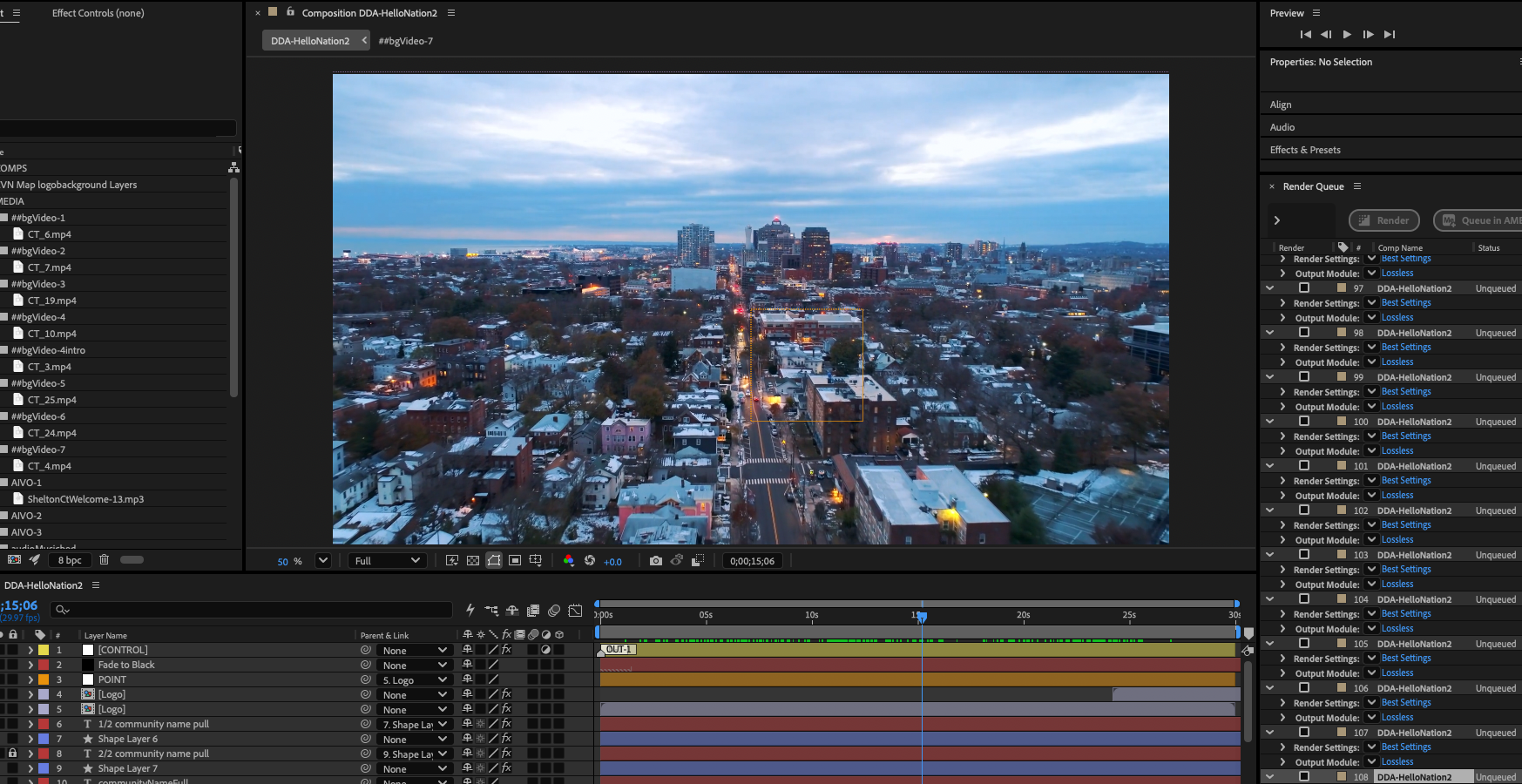
The fastest way to automate After Effects at production scale is to stop treating scripts and expressions as competitors. Scripts handle structure: reading your data, swapping content, pushing renders out the door. Expressions handle adaptation: fitting text, holding layouts, balancing audio inside each frame. Get that division of labor right and one project file can carry an entire production program.
I know because that split carried a real production run: roughly 90,000 data-driven community videos for HelloNation at CGI Digital in about six months — three videos for each of 30,000 towns — all from a single After Effects template driven by a JSON file exported from a spreadsheet. At peak the pipeline averaged around 1,200 renders a day across multiple workstations. The lifetime total has pushed past the six-figure mark, and it still runs every week. I call this approach Data Driven Animation, and the architecture behind it is simpler than most teams expect.
One Template, Not Ninety Thousand Comps
The instinct most teams have when they need thousands of versions is to script the duplication: loop through the data, spin up a comp per version, and end up with a project that mirrors the dataset. I ruled that out early. Duplicate comps for every town and every version and the project file gets larger and larger until it’s unusable. A file that has to hold every version can’t survive contact with real volume.
Instead, I built one template project and left it alone. A JavaScript file reads the JSON and, for each community, swaps the content in place, queues that version out to Media Encoder, and moves on to the next row. The project file never grows. The versions exist as renders, not as comps. When the push hit its peak, I split the JSON across multiple workstations, each running the same script against its own slice of the data. Same template on every machine, different rows.
The Script Swaps Everything That Changes Between Versions
The data starts life in a Google Sheet, where it’s easy for people to maintain, and gets exported to JSON, where it’s easy for a script to read. For each community, the script swaps in the community name, the on-screen highlight copy, logos, brand colors, video footage, still images, and the music bed. The newest generation of the pipeline also pulls in a custom voiceover per community, generated in ElevenLabs, so every one of those videos opens with narration written for that specific place.
None of that is animation work. It’s structural work: pointing layers at new sources and setting text from data. That’s precisely what scripts are for, and it’s why the script owns this half of the pipeline. It never touches how anything moves.
Expressions Handle What the Data Can’t Predict
Once the script has loaded a version, the content it loaded is unpredictable in ways no template can hard-code. One community’s highlight is four words; the next one’s is fourteen. Expressions absorb that variance: text scales and lays out to fit, and the surrounding design adapts to the copy rather than the copy being forced into the design.
The voiceovers were the same story. Every VO is a different length, and manually keyframing the music bed under tens of thousands of different narrations was never going to happen. One ducking expression solved it: the music level rides down automatically whenever the voiceover is playing and comes back up when it isn’t, whatever the VO’s length in that version. Write it once and it’s correct in every render, because expressions evaluate at render time against whatever content is actually there.
That project also taught me the discipline of not over-automating. Rather than building a rig that retimes the whole edit to each voiceover, I kept every video the same length and kept the narration shorter than the template. It was the simpler fix, and simple is what survives at 1,200 renders a day. The best automation decision on the project was choosing what not to automate.
Durability Means Being Able to Run It Again
The real test of a production automation system isn’t the demo; it’s what happens when something goes wrong at scale. When you’re rendering thousands of videos a day, some renders will fail, and some data will turn out to be wrong after the fact. The win of the data-driven approach is that every video is reproducible from its row in the JSON. A render errors out at video 18,000? Run it again. A community updates a highlight or swaps a logo? Change the Sheet, re-export the JSON, re-render that version. Nothing downstream has to be rebuilt, and nobody has to remember how a version was made, because no version was ever made by hand.
That’s also why this template has stayed in weekly service for years, through the big push and into today’s steadier pace of 50 to 100 videos a week. The pipeline itself has evolved over that time, most recently by adding the ElevenLabs voiceover step, and the same division of labor kept absorbing the changes: new data in the JSON, new swap logic in the script, and expressions inside the template adapting to whatever arrives.
When to Script, When to Express
The rule of thumb that came out of all this is short. If it changes between versions, script the swap. If it has to adapt within the frame, write an expression.
Scripts are the only practical tool for anything touching the file system or the render pipeline: reading data, importing and replacing footage, pushing to Media Encoder, splitting work across machines. They’re also how you enforce consistency, because a template plus a script guarantees every version is assembled the same way.
Expressions are the right tool for everything that responds to content: text fitting the space it’s given, audio ducking under narration, layouts holding together no matter what the data delivers. They live inside the project file, they’re readable right in the property they control, and they evaluate fresh on every frame of every render, which is what makes a single template safe to point at a hundred thousand different rows of data.
The mistake is letting either tool do the other’s job. A script that keyframes animation from data breaks the moment the data changes. An expression can’t import a logo or queue a render. Split the work the way the tools want it split, and the system scales as far as your spreadsheet does.
About the Author
Kevin Baer is VP of Production at CGI Digital in Rochester, NY, with 26 years in video production and motion graphics.